 APREX · EST. 2026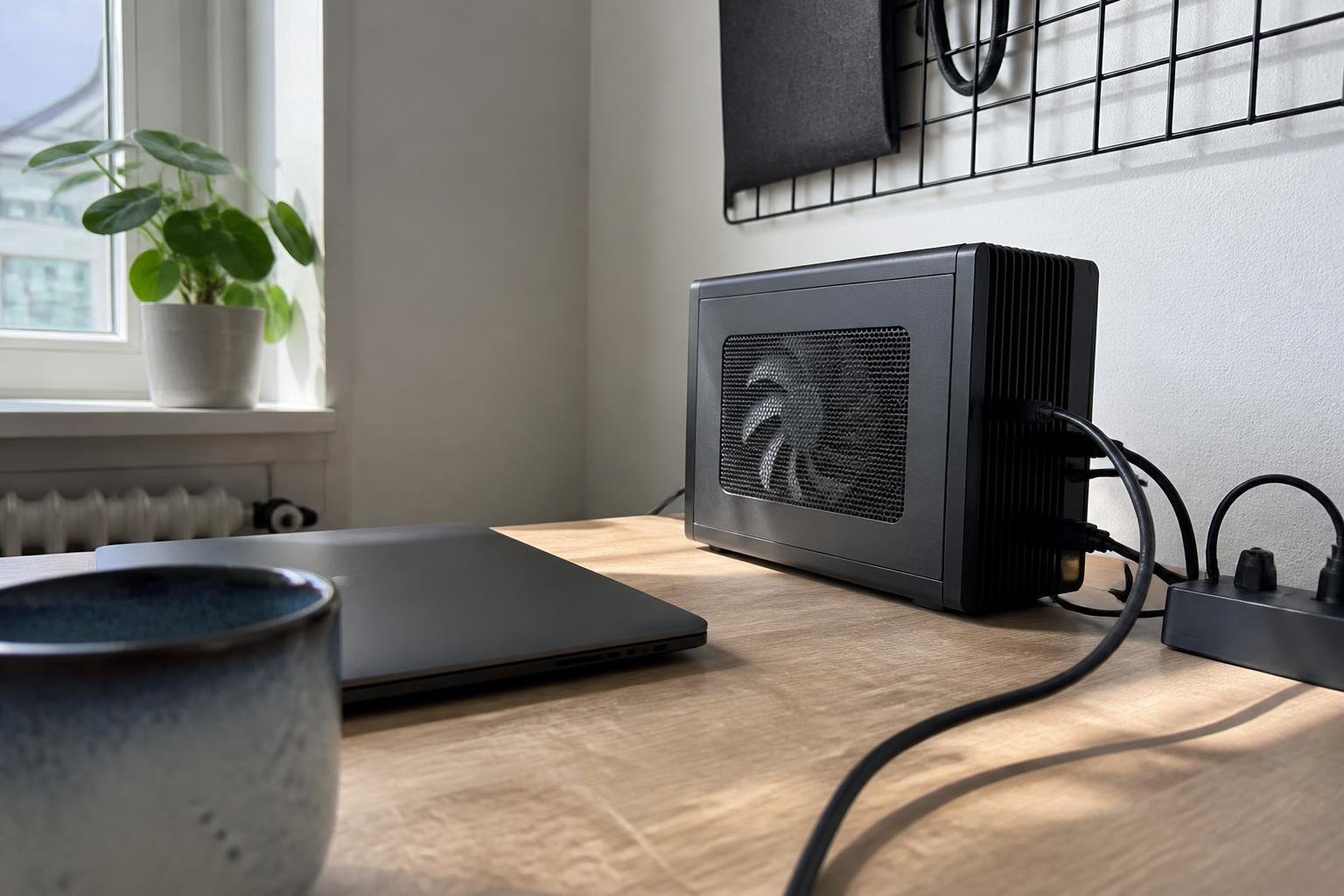
A growing number of developers want AI coding assistance without having to rely on commercial cloud services. There is now a practical path to get there: Google's open Gemma 4 family, combined with the coding agent tool OpenCode, delivers a working setup that runs entirely locally – according to a walkthrough published by Towards Data Science.
What is Gemma 4?
Gemma 4 is a series of open-weight models from Google, launched in April 2026, with the latest 12B Unified variant available from June 2026. The models are explicitly built for local inference and agent-based workflows – including coding assistance.
The family supports multimodal inputs: text, images, and video across all sizes. The three smallest variants (E2B, E4B, and 12B) additionally handle audio input. The 12B Unified model is particularly noteworthy because it processes images and audio directly through the language backbone, without separate encoders.
From Ollama to OpenCode – how the setup works
The Towards Data Science guide walks through the process step by step: you start by installing Ollama, a tool that makes it straightforward to download and run large language models locally. You then pull down the desired Gemma 4 variant and configure OpenCode to use the local model as its engine.
The result is a coding agent that can read files, suggest changes, write tests, and navigate code projects – all without an internet connection once the model has been downloaded.
Gemma 4 excels at reasoning, coding, tool use, long-context and agentic workflows, and multimodal tasks.
What hardware is required?
Hardware requirements vary considerably with model size and quantisation level. With 4-bit quantisation (GGUF Q4 format), the requirements are significantly lower than at full precision.
For those without a dedicated GPU, CPU execution is possible, but according to research notes this is typically five to ten times slower. A system with an eight-core processor and 16 GB of RAM can run the E4B model, though for daily use 16 cores, 32 GB of RAM, and AVX-512 support are recommended.
Apple Silicon machines with the M-series stand out as a strong alternative: Macs with 16–32 GB of unified memory handle the smaller variants without issue, while the 26B MoE requires at least 32 GB.
RTX 3090 – a cost-effective choice?
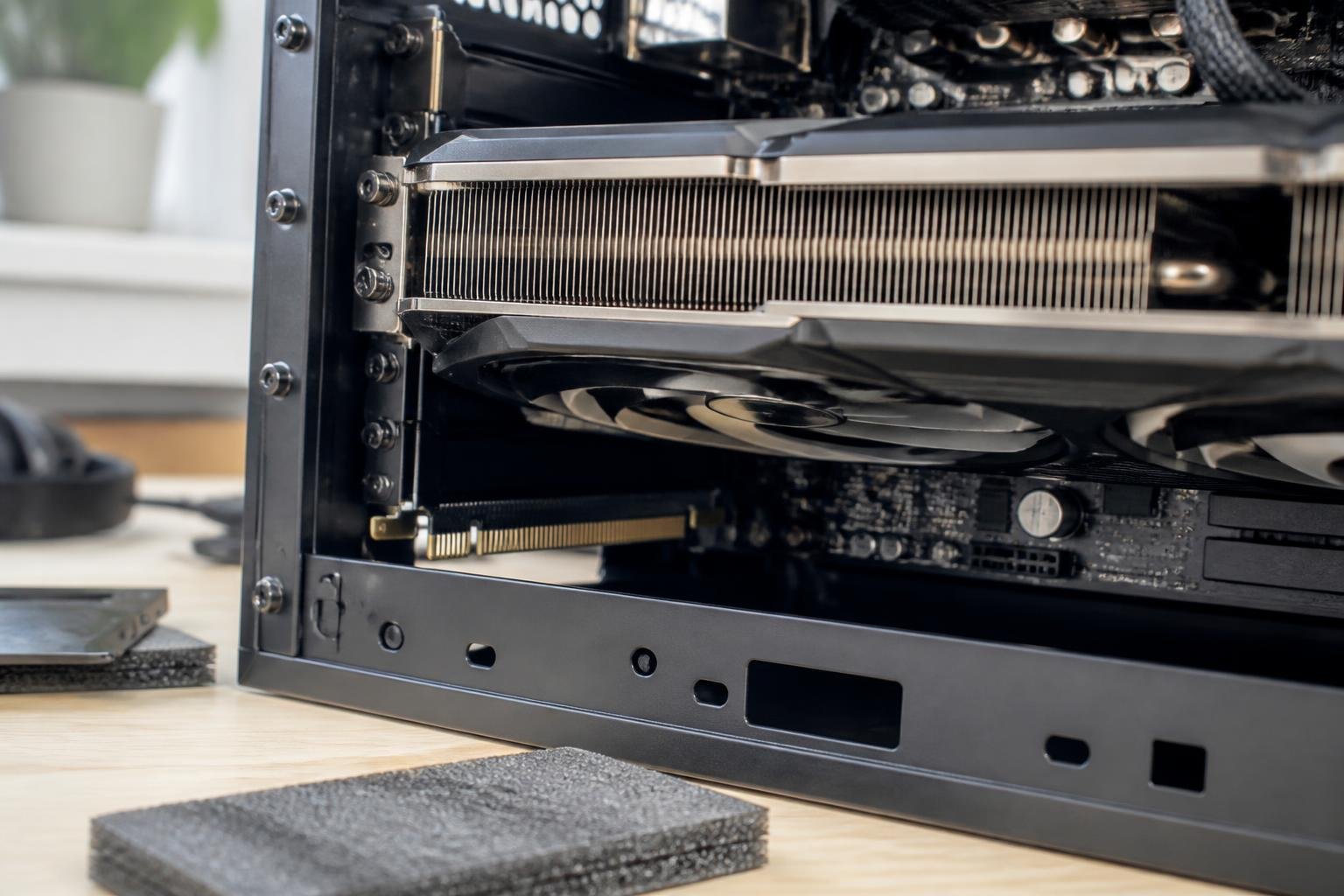
According to technical assessments cited by Towards Data Science, a used RTX 3090 card (24 GB VRAM) emerges as a particularly compelling option for those wanting to run the 26B MoE model. The card is said to deliver over 115 tokens per second on this model, and is claimed to offer around 95 percent of the performance of professional hardware at a significantly lower price. It is worth noting that these figures come from manufacturer-optimistic sources, and performance will vary depending on system and configuration.
NVIDIA and Google are reported by the same sources to have collaborated on day-zero optimisations for RTX cards. A technology called Multi-Tensor Pipelining (MTP) is also said to boost inference speed by 1.4 to 2.2 times without any loss of accuracy.
Privacy as a driving argument
For many developers – particularly those working with proprietary code or sensitive systems – this is the most important advantage. Neither the Gemma 4 model nor OpenCode sends data to external servers during a coding session. The data stays on the user's own machine.
This makes the setup a genuine alternative for companies and individuals who want AI-assisted coding but cannot or will not share their codebase with third parties.
Worth trying?
For developers with sufficient hardware, the barrier to entry is low. Ollama is free and open source, the Gemma 4 models are freely available, and OpenCode is designed precisely for this use case. The Towards Data Science guide takes you through the entire process from installation to a working agent.