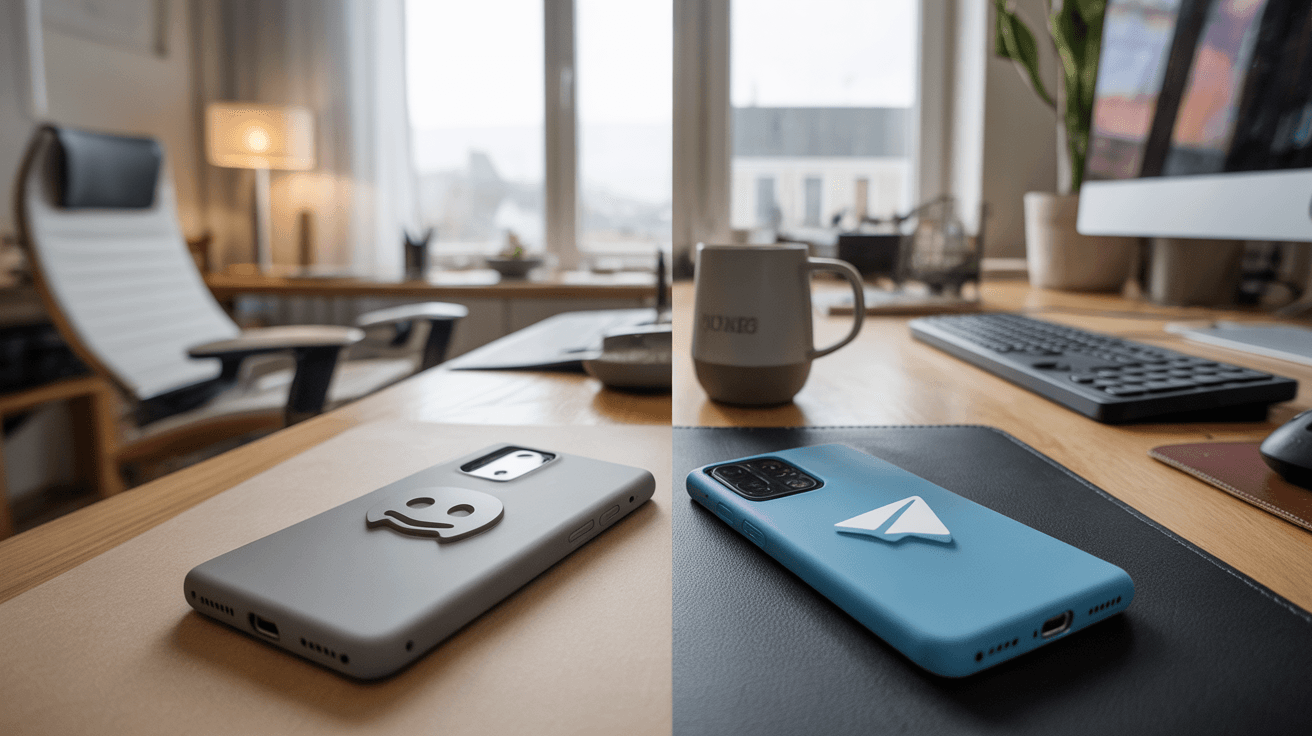
What is OpenClaw, and why does platform choice matter?
OpenClaw is an open-source project that can be installed on your own machine or a cloud server and connects to messaging apps like Discord, Telegram, and WhatsApp. From there, it can perform tasks: answer emails, handle system administration, automate coding, control web browsers, and much more — all via natural language in your chat.
The project has exploded in popularity. According to the LumaDock guide (2026), OpenClaw has garnered over 117,000 GitHub stars in a few weeks and is referred to in several technology publications as the fastest-growing AI project in 2026. For Norwegian users considering OpenClaw as a personal assistant, one of the first questions is simple: Discord or Telegram?
The answer is not obvious. The two platforms give OpenClaw vastly different scopes of action — and that affects what your assistant can actually do for you.
Quick Overview
| Feature | Discord | Telegram |
|---|---|---|
| Setup Difficulty | Medium–High | Low |
| Interactive Components | ✅ Buttons, forms, menus | ❌ Limited |
| Threads | ✅ Yes | ❌ No |
| Presence Status | ✅ Yes | ❌ No |
| Flexible User Permissions | ✅ Server roles | ⚠️ Limited |
| Suitable for Teams | ✅ Yes | ⚠️ Possible, but cumbersome |
| Suitable for Individual Users | ✅ Yes | ✅ Yes |
| Norwegian Interface | ✅ Yes | ✅ Yes |
| API Key Requirement | Bot Token + intents | Bot Token via BotFather |
Discord: Powerful, but Demands More From You
Strengths
Discord's integration with OpenClaw is by far the most feature-rich. Via the Discord Developer Portal, you create an application, add a bot, activate the necessary «Privileged Gateway Intents» — including the required «Message Content Intent» — and generate a bot token that OpenClaw uses to communicate with Discord's official Bot API (source: OpenClaw Docs, openclaw.bot/docs/discord).
Three things, in particular, distinguish Discord from Telegram:
Interactive UI Components: OpenClaw on Discord can send messages with buttons, dropdown menus, and forms directly in the chat. This means the assistant can present choices in a structured manner — for example, «Do you want me to send the email now, or edit it first?» — and the user clicks through instead of typing a response.
Threads: Discord supports threads, which makes it possible to organize longer conversations or projects without getting lost in a channel with other activity. For users running OpenClaw for complex, multi-step tasks, this is a significant advantage.
Presence Status: OpenClaw can read and react to presence information in Discord — for example, whether a user is active, inactive, or in a meeting. This allows for more context-sensitive behavior from the agent.
In addition, Discord is well-suited for teams: With server roles and channel permissions, you can control who can ask OpenClaw for what, making the platform a natural choice for workgroups that want to share an AI assistant.
Weaknesses
The setup process is noticeably more time-consuming. You must:
- Navigate the Discord Developer Portal
- Manually activate the correct intents
- Retrieve Server ID and Channel ID via «Developer Mode» in Discord settings
- Configure OAuth2 links to invite the bot to your server
For users without a technical background, this can feel overwhelming. Discord as a platform is also primarily designed for gaming and communities — which can feel unfamiliar to those who just want a simple AI assistant in their daily lives.
Telegram: Easy Entry, but Fewer Options
Strengths
The Telegram setup is significantly more accessible. It all starts by typing /newbot to the built-in bot «@BotFather» in the Telegram app. You choose a name, a unique username (which must end in «bot»), and BotFather immediately gives you an API token. You paste that into OpenClaw's configuration wizard, and you're good to go (source: Telegram Bot API documentation).
For personal use, Telegram is an excellent choice:
- The Telegram app is fast, stable, and available on all platforms
- Setup literally takes minutes
- The app is well-known in Norway — many already use it for communication
- Telegram's privacy profile appeals to users who are conscious of data handling
Weaknesses
Telegram lacks the advanced interaction possibilities that Discord offers. There are simple inline buttons in the Telegram Bot API, but compared to Discord's component system, they are primitive. There is no native thread support, and no presence functionality that OpenClaw can leverage.
In practice, this means that OpenClaw on Telegram primarily communicates via text messages. For many tasks, this is fully sufficient — but for users who want a more structured, interactive workflow, they will quickly notice the limitations.
Common to Both Platforms
Regardless of which platform you choose, OpenClaw is model-agnostic: you connect your own API keys for models like Claude, GPT-4o, or Gemini — or run local models via e.g. Ollama. The platform choice affects how you interact with the assistant, not which AI brain is behind it.
Both integrations are configured via OpenClaw's CLI wizard or configuration files, and both require you to run OpenClaw on your local machine or a VPS.
Who is Each For?
👤 Individuals Who Want to Try OpenClaw Quickly
Recommendation: Telegram
You want to get started without spending an afternoon on configuration. The BotFather flow is intuitive, and for most personal use cases — checking emails, creating lists, summarizing documents, asking questions — Telegram covers your needs well.
👥 Small Teams or Workgroups
Recommendation: Discord
If you already use Discord for communication, the choice is simple. Server roles provide access control, threads keep projects tidy, and the interactive components make shared use of OpenClaw far more structured.
🔧 Technical Users and Developers
Recommendation: Discord
You will delve into the Developer Portal and configuration anyway. Discord gives you more to work with: you can build custom commands with applications.commands scope and leverage the full breadth of Discord's Bot API.
🔒 Privacy-Conscious Users
Recommendation: Telegram
Telegram has a stronger reputation for privacy than Discord, and many Norwegian users are already comfortable with the platform. For users who are skeptical of Discord's data collection, Telegram is the natural choice.
📱 Mobile Users
Recommendation: Telegram
The Telegram app is fast and lighter on mobile than Discord. If you primarily want to access OpenClaw from your phone, Telegram wins on user experience.
Conclusion: Discord Wins on Functionality — Telegram Wins on Accessibility
For Norwegian users considering OpenClaw, the choice between Discord and Telegram is largely a question of what you actually need.
Choose Discord if you want the full OpenClaw experience with interactive components, threads, and presence status — especially in a team context. You pay the price in the form of a more time-consuming setup, but the functionality you get in return is significantly richer.
Choose Telegram if you want a personal AI assistant that is up and running within ten minutes, and where daily use takes place via text messages. For the vast majority of personal use cases, Telegram is more than good enough.
The good news is that OpenClaw doesn't force you to choose once and for all. According to the documentation, OpenClaw functions as a «gateway» system where you can manage multiple connections from one dashboard (source: openclaw.bot/docs/discord). In theory, you can therefore have one OpenClaw instance that responds on both platforms — and let your usage pattern determine which one you actually end up using the most.
Sources: OpenClaw official documentation (openclaw.bot/docs/discord), LumaDock integration guide (lumadock.com), Discord Developer Portal (discord.com/developers/applications), Telegram BotFather API documentation.